
CSS 属性:background
背景颜色和图像的特性。
一个简写属性,用于组合
background-colorbackground-imagebackground-repeatbackground-attachmentbackground-positionbackground-clipbackground-originbackground-size
可能的值
背景特性子值列表。可能的子值遵循与之前相应属性的可能值相同的规则。子值列表遵循特定的格式
[image] [position] / [size] [repeat] [attachment] [origin] [clip] [color]
完整示例:url("bg.jpg") 20% 0% / contain repeat-y fixed content-box padding-box #fff
并非所有值都是必需的
- 如果只包含 background-clip 或 background-origin 中的一个部分,则该值将同时应用于 clip 和 origin 特性。
- 任何其他排除的值将默认为其初始值。
- “
/”仅用于分隔 position 和 size 部分。如果 background-size 被排除,“/”则不是必需的。
基本示例:url("bg.jpg") 20% 0% repeat-y fixed #fff
最小示例:url("bg.jpg") #fff
inherit、initial 或 unset 也可以单独使用。

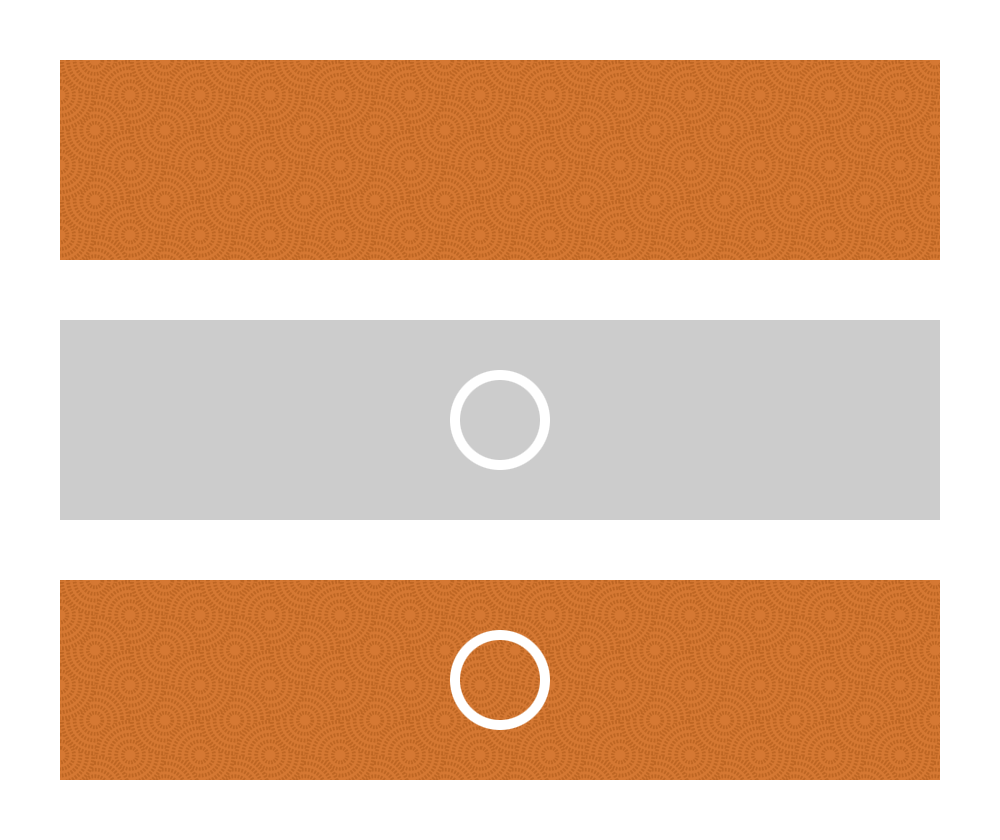
background: url("bg.png") top right no-repeat #ccc多个背景
可以通过用逗号分隔每个背景值列表来应用多个背景。第一个背景将位于最上方,“最接近”用户。后续图像将应用于其前面的背景下方。
background-color 部分应仅应用于指定的最后一个背景。
示例:url("upperImage.png") 0 0 no-repeat, url("lowerImage.png") right repeat-y #fff;
示例
.shorthand1 { url("bg.jpg") 20% 0% / 99px 33px repeat-y fixed content-box padding-box #fff; }
/* ...is the equivalent of... */
.longhand1 {
    background-image: url("bg.jpg");
    background-position: 20% 0%;
    background-size: 99px 33px;
    background-repeat: repeat-y;
    background-attachment: fixed;
    background-origin: content-box;
    background-clip: padding-box;
    background-color: #fff;
}

.shorthand2 { background: fuchsia; }
/* ...is the equivalent of... */
.longhand2 {
    background-color: fuchsia;
    background-image: initial; /* (none) */
    background-position: initial; /* (0% 0%) */
    background-size: initial; /* (auto) */
    background-repeat: initial; /* (repeat) */
    background-attachment: initial; /* (scroll) */
    background-origin: initial; /* (padding-box) */
    background-clip: initial; /* (border-box) */
}